Last Updated: November 4, 2026
Quick Summary
For SMEs, the best email automation tool is the one that supports your priority customer journeys, connects to your existing CRM and data, and fits your team’s time and budget. Brevo suits businesses seeking email, SMS and transactional messaging; ActiveCampaign offers deeper workflows, HubSpot unifies sales and marketing in one CRM, and Zoho Campaigns fits businesses already using Zoho.
- Brevo, HubSpot and Zoho Campaigns offer free tiers; ActiveCampaign does not.
- Test shortlisted platforms against the same customer journey, including its trigger, audience rules, sequence and measurement.
- Compare total operating costs, including migration, training, integrations and extra features.
- Before switching, document essential workflows, preserve suppression records and test messages before launch.
- In New Zealand, commercial emails must meet requirements for consent, sender identification and unsubscribe facilities.
Table of Contents
- Email Marketing Automation Tools Comparison for SMEs: Quick View
- Brevo vs ActiveCampaign: Simple Campaigns or Advanced Workflows?
- HubSpot vs Zoho Campaigns: CRM Depth, Usability and Cost
- How to Choose Email Marketing Automation Tools for SMEs
- Automated Email Workflow Examples for Small Business
- Email Marketing Automation Best Practices and Compliance NZ
- Plan Your Email Automation Setup with Web Maniacs
- Frequently Asked Questions
Email Marketing Automation Tools Comparison for SMEs: Quick View
According to HubSpot’s 2026 marketing statistics, email marketing conversion rates are 2.8% for B2C and 2.4% for B2B.
Email automation is software that sends targeted messages in response to customer data or actions. The best fit depends on the complexity of your workflows, your existing CRM and the time your team can spend managing the system.
| Platform | Best fit | Free tier | Pricing basis |
|---|---|---|---|
| Brevo | Email, SMS and transactional messages | Yes | Email volume |
| ActiveCampaign | Advanced CRM-linked workflows | No | Contacts and features |
| HubSpot | Unified sales and marketing CRM | Yes | Tiered features |
| Zoho Campaigns | Zoho users and budget-conscious teams | Yes | Subscriber count |
The supplied product research lists approximate starting prices in US dollars, not verified NZD prices. We’ve left them out rather than imply a local price. For a broader look at the trade-offs between automated and manual campaigns, read the email software trade-offs.
Brevo vs ActiveCampaign: Simple Campaigns or Advanced Workflows?
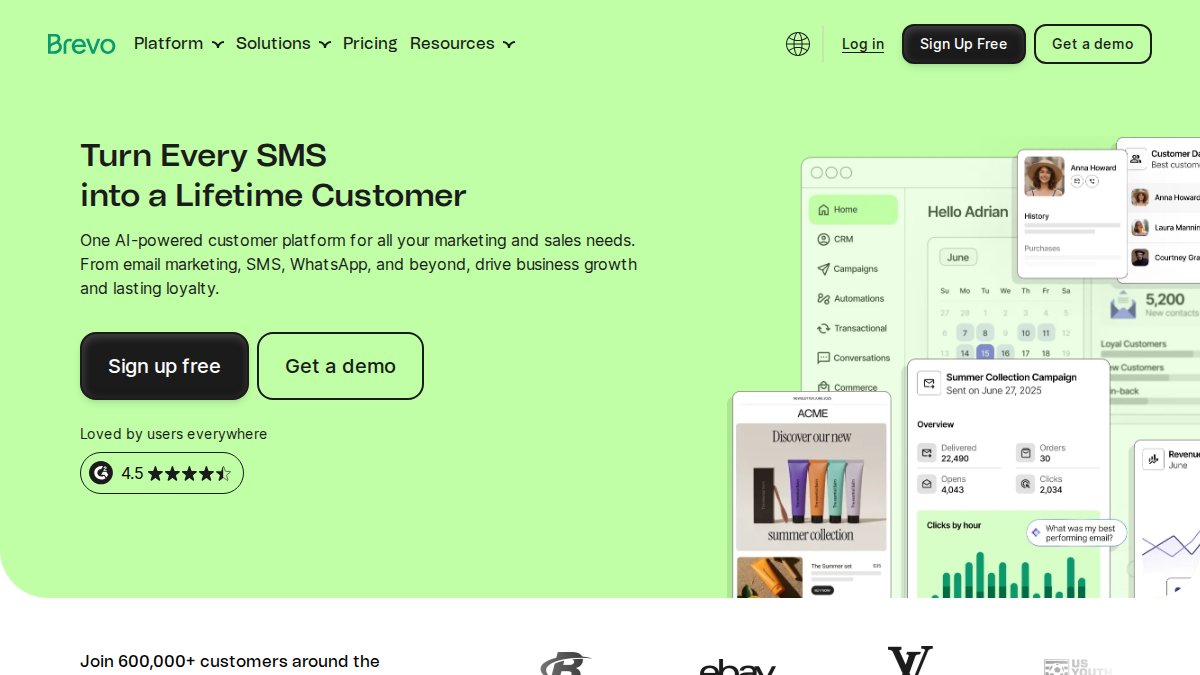
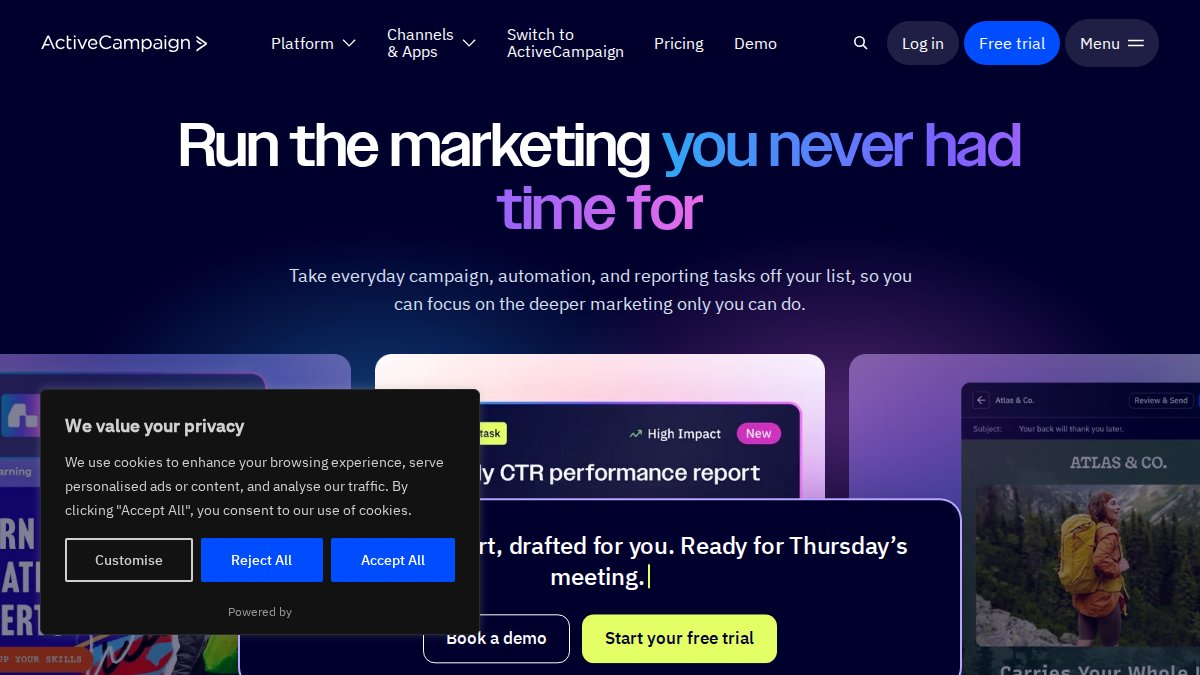
Brevo’s free tier lowers the barrier to starting, but advanced automation is restricted to higher plans. ActiveCampaign has a steeper learning curve and no free tier, so its extra control only pays off when your team will use it.
The research guide comparing eight platforms argues that effective automation should respond to CRM data and form submissions, rather than rely on simple checklists. That’s the useful distinction: choose workflows that react to customer behaviour, not a larger feature menu. ActiveCampaign’s 2026 Email Marketing Software Comparison Guide
HubSpot vs Zoho Campaigns: CRM Depth, Usability and Cost
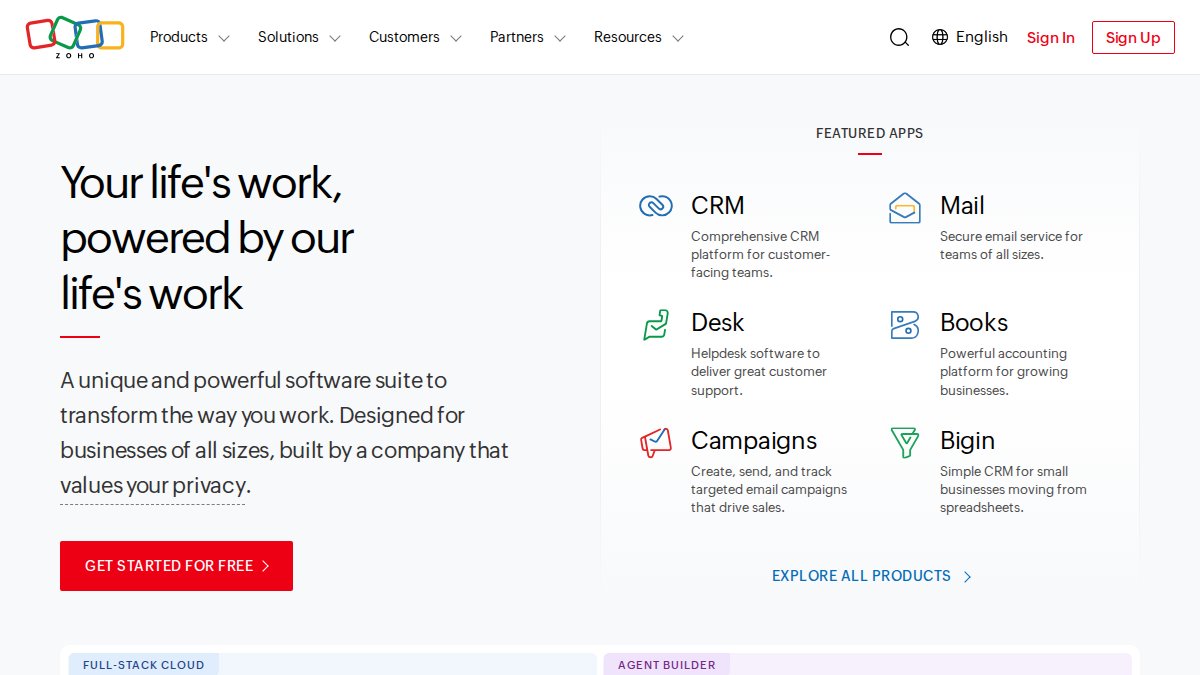
HubSpot is the stronger choice for SMEs that want sales and marketing activity in one CRM; Zoho Campaigns is a more focused fit for businesses already using Zoho. HubSpot combines a shared customer database, smart email content and lead-nurturing sequences.
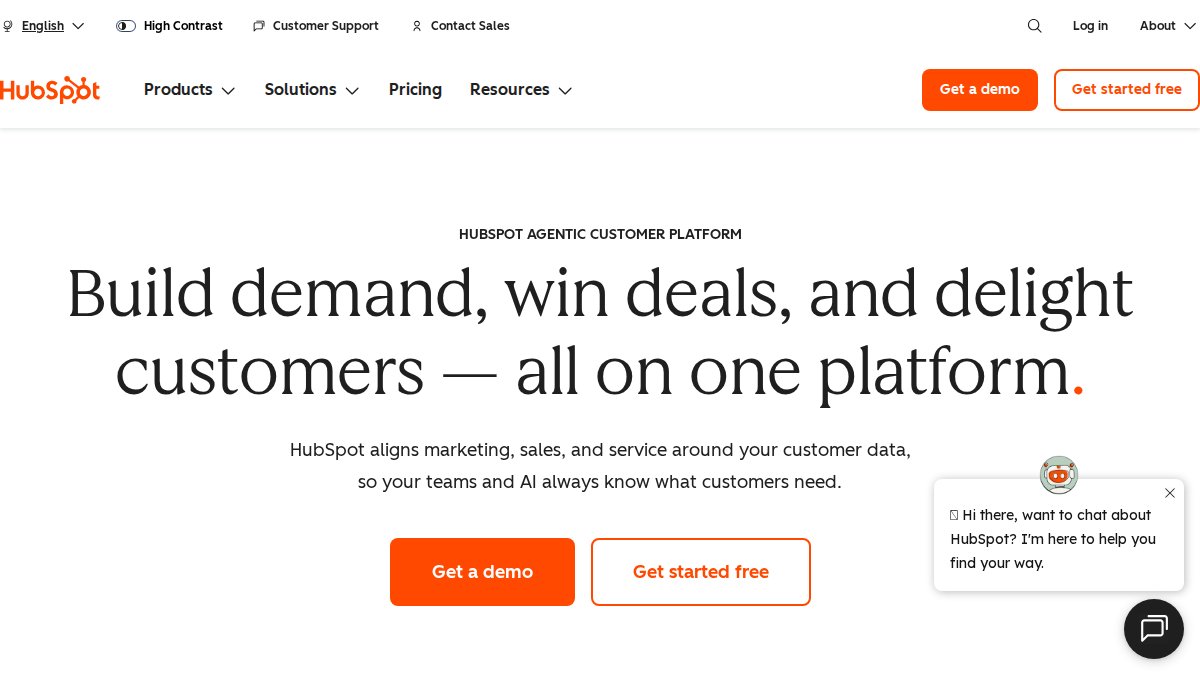
HubSpot’s intuitive interface is an advantage, but costs can rise as contact lists and feature needs grow.
The choice is not simply cheap versus expensive. Emailmonday identifies tool selection as the leading marketing automation challenge in 2026, a reminder that fit matters more than feature count. Emailmonday’s 2026 marketing automation statistics
How to Choose Email Marketing Automation Tools for SMEs
Choose a platform by testing whether it can run your priority customer journeys with the data and staff time you actually have. A feature list is only useful when you can connect each feature to a workflow, a data source and an outcome you intend to measure.
Score the fit before comparing plans
Write down the two or three journeys you need first, such as welcoming a new subscriber, following up after a purchase or notifying a sales team when a lead takes a high-intent action. For each journey, record:
- Trigger: What event starts the workflow, and where is that event recorded?
- Audience rule: Which contacts qualify, and which should be excluded?
- Message sequence: What should be sent, and what should stop or change the sequence?
- Measurement: Which clicks, conversions or sales will show whether it is working?
- Owner: Who will build, check and maintain the workflow?
Then test each shortlisted tool against the same journey. Check whether it can use the required fields and events, apply exclusions, pause or branch a sequence, and report the result without manual workarounds. A platform that supports a complex workflow is not automatically the better choice if your team only needs a reliable welcome series.
Check the operating fit
Assess the interface with the person who will manage campaigns, not only the person choosing the software. Ask them to build a basic automation, edit a template, create a segment and find the campaign report.
Review integrations in both directions. A connection to a CRM or ecommerce platform is more useful when it can pass the fields and events your workflows need, keep records in sync and handle changes such as an unsubscribe.
Compare the full operating cost, not just the entry plan. Check how billing changes as contacts or sending needs grow, and whether SMS, landing pages, additional users, premium support or essential integrations cost extra.
Use a migration checklist before switching
Migration is a useful differentiator that many comparison guides leave out. Before moving platforms:
- Inventory what exists: List active audiences, signup forms, templates, automations, integrations, suppression records and reports you still need.
- Clean and classify contacts: Separate active subscribers, unsubscribed contacts, bounced addresses and records with unclear permission. Do not treat an imported list as permission to send.
- Map fields and events: Match old fields to the new platform, identify missing data and decide how ecommerce or CRM events will be transferred.
- Rebuild the essential journeys: Document each trigger, delay, branch, exclusion and exit condition. Recreate only workflows that are still needed.
- Test before launch: Send test messages, check links and personalisation, verify mobile rendering, confirm suppression and unsubscribe behaviour, and test that events enter the correct workflow.
- Switch in stages: Start with a controlled audience and monitor delivery, bounces, complaints and conversions before moving the remaining eligible contacts.
- Keep a rollback plan: Retain access to the old system and its records until the new setup has been checked and the team knows how to resolve problems.
Watch out: Importing contacts without their consent status or suppression history can lead to messages being sent to people who should not receive them.

Automated Email Workflow Examples for Small Business
Automated email workflows send messages after a defined customer action, such as signing up, placing an order or becoming inactive. For an SME, start with a small number of useful drip campaigns, then expand only when reporting shows a clear gap.
- Welcome series: Send a confirmation, explain what subscribers can expect, then share a relevant product or service.
- Abandoned basket: Remind shoppers about items left behind, using the store’s available customer data.
- Post-purchase follow-up: Share useful product guidance and invite feedback.
- Re-engagement: Contact inactive subscribers with a clear choice to stay subscribed or leave the list.
Set behavioural triggers around actions you can reliably track. Review open rates, click-through rates and conversions together; an open alone does not show whether a campaign led to a sale. For practical ideas focused on ecommerce performance, see the guide to improving ecommerce open rates.
Email Marketing Automation Best Practices and Compliance NZ
Compliance should be built into the contact data and workflow rules, not left as a final check before sending. In New Zealand, the Unsolicited Electronic Messages Act 2007 applies to commercial electronic messages, including email, and sets requirements around consent, sender identification and unsubscribe facilities. The Privacy Act 2020 is also relevant when a business collects, stores, uses or shares personal information. Check the current official guidance for your circumstances rather than assuming a platform setting alone makes a campaign compliant. Modern AI tools for business can help automate these complex regulatory requirements by flagging potential data handling risks before they manifest in your outreach strategy.
Make consent traceable
For each signup source, record what the person agreed to receive, when they agreed and how the consent was collected. Keep the source attached to the contact record where possible, such as a website form, checkout or event registration.
When importing a list, review its origin and permission before adding it to an automation. A vendor’s ability to upload contacts does not establish that those contacts can lawfully be sent marketing messages. Keep unsubscribed and otherwise suppressed addresses out of campaign audiences, including when records are merged or synchronised from a CRM.
Build unsubscribe and sender checks into every workflow
Before activating an automation, verify that each commercial message identifies the sender and includes a working unsubscribe facility. Test the unsubscribe link in a real test message, then confirm that the request updates the suppression status used by every connected audience and workflow. Review automated sequences as well as one-off campaigns: a contact who unsubscribes should not continue receiving later messages in a series through a separate list or integration.
Use a pre-launch checklist:
- Confirm the audience has a documented, appropriate basis for receiving the message.
- Check the sender name and contact details are recognisable and accurate.
- Test the unsubscribe link and the platform’s suppression behaviour.
- Check that personalisation fields have a safe fallback if data is missing.
- Confirm that the trigger and exclusions prevent irrelevant or repeated messages.
- Review the connected CRM, ecommerce service and other tools that receive contact data.
Watch out: A workflow can keep sending after an unsubscribe if a separate audience, integration or manually uploaded list does not share the suppression record.
Treat privacy as part of platform selection
Before connecting a marketing platform to your website, CRM or store, identify what personal information will be transferred, why it is needed and who can access it.
This is a practical selection criterion, not just a policy exercise: a tool is harder to manage if consent history, suppression status and customer data are scattered across systems. Ask providers how integrations synchronise these records and test the behaviour before launch.
Plan Your Email Automation Setup with Web Maniacs
The best platform cannot fix a workflow that does not match your website, customer data or marketing goals. Choose the simplest tool that supports the customer journey you actually plan to run, then improve it as your needs grow.
Web Maniacs provides personalised web and app development, custom software development and results-driven digital marketing solutions. If your website and email setup need to work together, Web Maniacs provides personalised web and app development, custom software development and results-driven digital marketing solutions.
Frequently Asked Questions
What features should SMEs look for in email automation software?
Prioritise the features your team will use: workflow automation, list segmentation, reporting, and integrations with your CRM or e-commerce platform. The research identifies analytics and reporting as the most valued feature, followed by campaign management and lead nurturing. Check whether the plan includes the triggers and contact limits you need, and test how easily staff can build and edit workflows.
How does the Unsolicited Electronic Messages Act 2007 affect email marketing?
The Unsolicited Electronic Messages Act 2007 governs commercial electronic messages, including email. Marketing messages require consent, accurate sender identification and a functional unsubscribe facility. Keep records of how subscribers opted in, honour unsubscribe requests, and check that your platform supports suppression lists. Also review the Privacy Act 2020 when collecting and using personal information for segmentation or personalisation.
Which email marketing tools integrate with CRM and e-commerce systems?
Verify that the specific connection supports the data and triggers you need, such as purchase activity or form submissions, before migrating.
Is automated email marketing cost-effective for small businesses?
It can be, when automation saves staff time or supports relevant follow-up without adding more complexity than the team can manage. Compare subscription tiers alongside contact limits, included features, integration and migration work, and the time needed to maintain workflows. The research reports 2026 conversion rates of 2.8% for B2C and 2.4% for B2B email marketing, but those figures are not a guarantee for an individual business.
How can a business keep email marketing compliant with privacy rules?
Use clear opt-in forms, record consent, identify the sender accurately and include an easy unsubscribe option in commercial emails. Keep subscriber data secure and collect only what your campaigns need. For email marketing compliance NZ, check obligations under the Unsolicited Electronic Messages Act 2007 and the Privacy Act 2020. Review imported contacts before sending, since an existing address alone does not establish consent.
Email automation can become difficult when customer data sits across disconnected systems. Get started with Web Maniacs to discuss a digital setup shaped around your business, including custom software development, website design and digital marketing.
