
Optimizing WooCommerce Store for Conversions: 7 Proven Tactics
Table of Contents
- Understanding Conversion Rate Optimization for WooCommerce
- How to Reduce Cart Abandonment in WooCommerce
- WooCommerce Checkout Page Optimization Essentials
- Best WooCommerce Plugins for Sales Growth
- Improve WooCommerce Site Speed for Better Conversions
- Product Page Design and Conversion Psychology
- A/B Testing and Data-Driven Optimization
- Mobile Optimization and User Experience
Last Updated: June 19, 2026
Optimizing WooCommerce store for conversions is the difference between a store that generates revenue and one that generates traffic nobody acts on. Most conversion problems aren’t caused by bad products or weak marketing, they’re caused by friction that never gets measured. Below, we’ll show you exactly how to identify that friction and eliminate it systematically.
Conversion rate optimization (CRO) is the systematic process of increasing the percentage of website visitors who complete a desired action, such as a purchase, by identifying and removing friction from the customer journey.
Understanding Conversion Rate Optimization for WooCommerce
Conversion rate optimization for WooCommerce is the practice of analyzing your store’s sales funnel and making targeted improvements to increase the ratio of visitors who complete purchases. The goal isn’t to send more traffic to a broken funnel, it’s to extract more revenue from the traffic you already have.
Why Conversion Rates Matter More Than Traffic
Most WooCommerce store owners obsess over traffic. A store moving from 1% to 2% conversion effectively doubles revenue without spending another dollar on acquisition. Scalers measure their sales funnel at every stage, not just the top and bottom.
Key Performance Indicators (KPIs) to Track
Before changing anything, establish your baseline KPIs. Tracking the right metrics separates data-driven decisions from guesswork.
| KPI | What It Measures | Why It Matters |
|---|---|---|
| Conversion Rate | % of visitors who purchase | Primary health metric |
| Cart Abandonment Rate | % who add to cart but don’t buy | Checkout friction indicator |
| Average Order Value | Revenue per transaction | Upsell/cross-sell effectiveness |
| Bounce Rate | % who leave after one page | Landing page relevance |
| Page Load Speed | Time to interactive (seconds) | UX and SEO signal |
| Checkout Completion Rate | % who start vs. finish checkout | Funnel drop-off analysis |
Set these up in Google Analytics 4 with WooCommerce tracking enabled before you run a single test. You need a clean baseline, ideally 30 days of data, before any optimization work is meaningful.
How to Reduce Cart Abandonment in WooCommerce
Cart abandonment is WooCommerce’s most expensive problem. A visitor who adds a product to their cart has already expressed intent to buy; losing them at that stage represents a failure of execution, not marketing.
Identifying Abandonment Triggers
Google Analytics 4’s funnel exploration report shows you exactly which checkout step loses the most users. Common abandonment triggers include unexpected shipping costs appearing late in checkout, mandatory account creation before purchase, too many form fields, limited payment gateway options, and no visible security indicators near the payment section. A/B testing individual triggers is more reliable than fixing everything at once.
Implementing Recovery Strategies
Prevention means fixing the checkout flow itself, reducing form fields, enabling guest checkout, showing shipping costs earlier. Recovery means reaching users who’ve already left. WooCommerce supports automated cart abandonment email sequences through plugins like Klaviyo or AutomateWoo. A well-timed sequence (one email at 1 hour, one at 24 hours, one at 72 hours) captures a meaningful portion of abandoners who simply got distracted.
Don’t offer a discount in your first recovery email. Many users will abandon intentionally to wait for the coupon. Send the reminder first, then offer an incentive only in the second or third email if the cart remains abandoned.
WooCommerce Checkout Page Optimization Essentials
The checkout page is where intent converts to revenue, or doesn’t. Every unnecessary element on this page is a potential exit point.
Simplifying the Checkout Flow
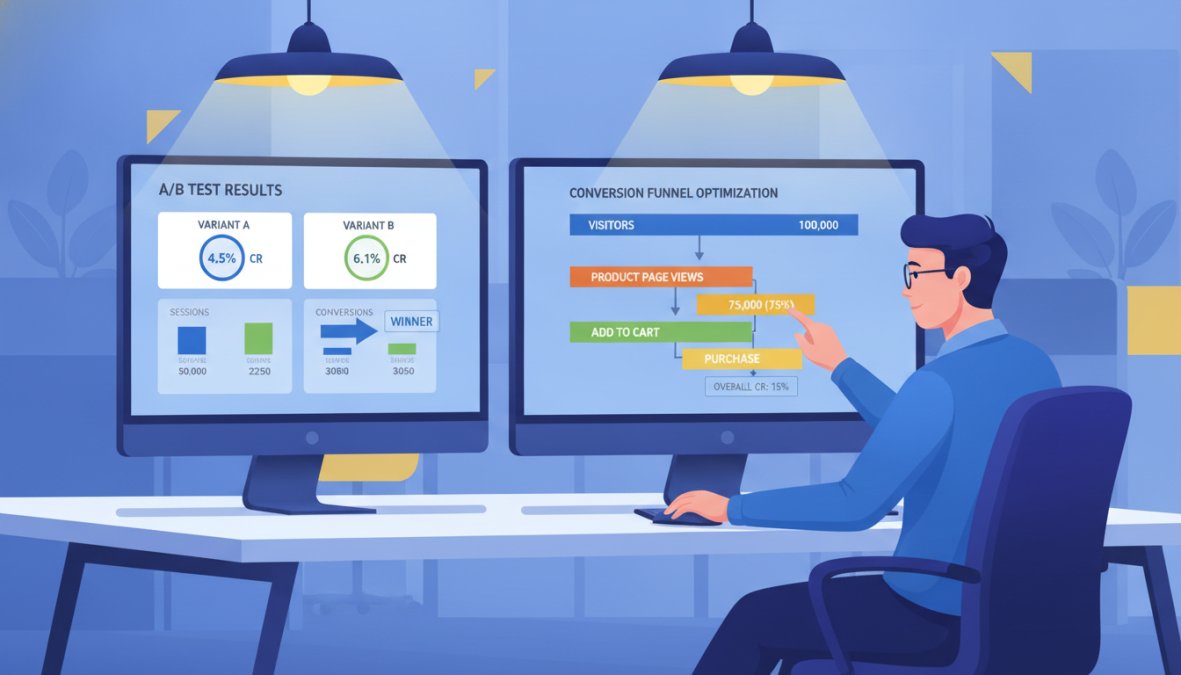
WooCommerce checkout page optimization starts with reducing the number of steps between cart and confirmation. Practical improvements include:
- Enable guest checkout in WooCommerce settings (WooCommerce > Settings > Accounts & Privacy)
- Use address autocomplete to reduce manual entry errors
- Collapse the shipping address section if it matches billing by default
- Remove unnecessary fields unless your product category requires them
- Use a single-page checkout layout via plugins like Fluid Checkout or CheckoutWC
According to Baymard Institute’s checkout usability research, the average checkout flow contains nearly twice as many form fields as necessary. Trimming that number directly reduces abandonment.
Building Trust Signals at Payment Gateway
Trust signals at the payment stage address the psychological barrier most users feel before entering card details. Effective trust signals include SSL certificate badge displayed near the payment form, accepted payment method logos, a brief security statement, clear return and refund policy link, and customer review count or rating near the checkout CTA.
Add ARIA labels to all checkout form fields. Screen reader users who can’t complete your checkout are lost conversions, and WCAG 2.1 compliance also correlates with better overall UX scores that benefit all users.
Best WooCommerce Plugins for Sales Growth
The WooCommerce plugin ecosystem is enormous, which makes it both an asset and a liability. The right plugins reduce friction and increase conversions.
Essential Plugin Categories
| Plugin Category | Primary Function | Recommended Options |
|---|---|---|
| Checkout Optimization | Reduce form fields, single-page checkout | Fluid Checkout, CheckoutWC |
| Cart Abandonment Recovery | Automated email sequences | AutomateWoo, Klaviyo |
| Social Proof | Reviews, ratings, purchase notifications | Judge.me, Yotpo |
| Upsells and Cross-sells | Post-purchase and cart offers | WooCommerce Product Recommendations |
| Analytics and Heatmaps | User behavior tracking | Hotjar, Microsoft Clarity |
| Page Speed | Caching, asset optimization | WP Rocket, LiteSpeed Cache |
| A/B Testing | Split testing for CRO | VWO |
Pick one solution per function and commit to it.
The best WooCommerce plugins for sales are the ones that solve a specific, measured problem in your funnel, not the ones with the most features. Start with analytics and checkout optimization before adding social proof or upsell tools.
Improve WooCommerce Site Speed for Better Conversions
Site speed affects every conversion metric simultaneously. A slow store increases bounce rate, reduces crawl budget, and degrades the user experience before a visitor has even seen your product page.
Server-Side Optimization and Hosting
Managed WooCommerce hosting providers (Kinsta, WP Engine, Cloudways) handle server-side optimization at the infrastructure level: PHP 8.x, Redis object caching, and CDN integration are standard. The performance difference between shared and managed hosting is measurable in seconds.
Caching Strategies and Page Load Speed
Caching reduces the processing load on your server by serving pre-built versions of pages instead of generating them dynamically on every request. For WooCommerce, caching requires careful configuration because cart and checkout pages must never be cached.
Key caching layers to implement:
- Page caching: WP Rocket or LiteSpeed Cache serve static HTML to non-logged-in users
- Object caching: Redis or Memcached store database query results in memory
- Browser caching: Set appropriate cache headers for static assets
- CDN: Serve static assets from edge locations geographically closer to your users
According to Google’s Core Web Vitals documentation, Largest Contentful Paint (LCP) should be under 2.5 seconds for a good user experience. Compress images before upload using WebP format, lazy-load images below the fold, and defer non-critical JavaScript. These three steps alone can shave 1-2 seconds off page load speed for most stores.
Product Page Design and Conversion Psychology
The product page is where the customer’s decision is made. Everything before it builds intent; the product page either confirms that intent or kills it.
Optimizing Product Imagery and Descriptions
Product imagery is the primary conversion driver on any WooCommerce product page. Multiple high-resolution images showing the product from different angles, in context, and at scale consistently outperform single-image product pages.
Product descriptions should answer objections, not just list features. Address the buyer’s primary concern directly in the first two sentences.
Strategic Call-to-Action Placement
The call to action (CTA) on a product page should be the most visually dominant element above the fold. Effective CTA placement follows this hierarchy:
- Primary CTA ("Add to Cart") above the fold, high contrast color
- Secondary CTA ("Add to Wishlist" or "Save for Later") below the primary
- Trust signals (reviews, return policy, security badge) immediately adjacent to the CTA
- Urgency indicators ("Only 3 left in stock") when genuinely applicable
Displaying estimated delivery times and shipping costs on the product page removes a major abandonment trigger downstream.
A/B Testing and Data-Driven Optimization
Most WooCommerce stores run on intuition. The ones that consistently improve conversions run on data.
Setting Up Analytics and Conversion Tracking
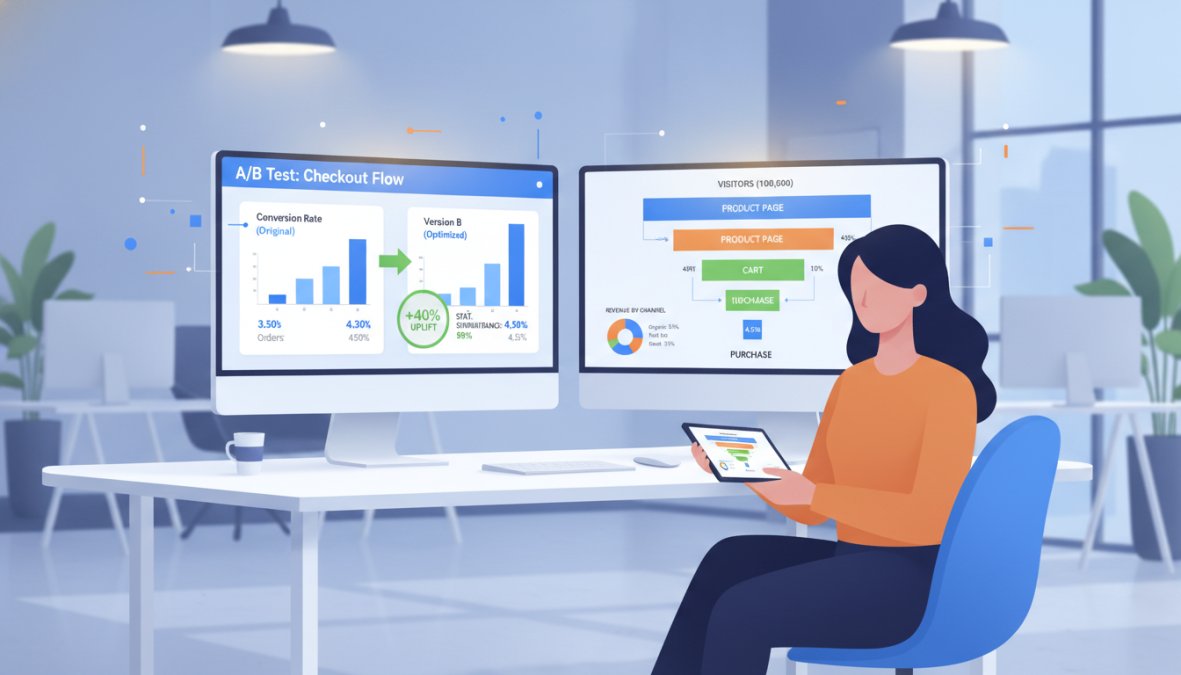
Before running any A/B tests, your analytics setup needs to accurately capture the events that matter. Google Analytics 4 with WooCommerce integration tracks purchase events, add-to-cart events, and checkout steps natively. Set up custom events in GA4 for product image gallery interactions, shipping calculator usage, coupon code field engagement, and payment method selection patterns.
Running Effective A/B Tests
A/B testing in WooCommerce requires a tool that can split traffic without affecting caching or creating duplicate URLs that confuse search engines. VWO and Convert.com are purpose-built for this.
The rules for effective A/B tests:
- Test one variable at a time, button color, headline copy, or image layout, not all three simultaneously
- Run tests for a minimum of two full business cycles (typically two weeks) to account for weekday/weekend variance
- Set a minimum sample size before declaring a winner; statistical significance below 95% is noise, not signal
- Document every test: hypothesis, variable changed, result, and whether you shipped the winner
Mobile Optimization and User Experience
Mobile traffic represents the majority of WooCommerce store visits for most merchants, yet mobile conversion rates consistently lag behind desktop. The gap is a UX problem.
Responsive Design and Touch Interactions
Responsive design is table stakes. The real mobile optimization work happens at the interaction level: touch target sizes, form field behavior on mobile keyboards, and swipe-friendly product galleries.
Specific mobile UX improvements that directly affect conversion rates:
- Touch targets (buttons, links) should be at least 44×44 pixels, the minimum recommended by Apple’s Human Interface Guidelines
- Numeric keyboards should auto-trigger for phone number and credit card fields (use
inputmode="numeric") - Product image galleries should support swipe gestures, not just tap-to-advance arrows
- The sticky "Add to Cart" bar (fixed at the bottom of the screen on mobile) reduces the distance between browsing and buying
Mobile optimization also intersects with accessibility. High contrast ratios, legible font sizes (minimum 16px for body text), and logical focus order benefit all mobile users, including those with visual impairments.
Most WooCommerce stores leave significant revenue on the table not because their products are wrong but because their store experience creates friction at every stage of the sales funnel. Web Maniacs provides results-driven digital solutions, including website design, custom development, and comprehensive digital marketing strategies, specifically designed to close that gap. Our team builds WooCommerce experiences that convert by combining technical performance with conversion psychology. Get started with Web Maniacs and turn your existing traffic into measurable revenue growth.
Frequently Asked Questions
What is a good conversion rate for a WooCommerce store?
A healthy WooCommerce conversion rate typically ranges from 2-3%, though this varies by industry and product type. E-commerce stores optimizing their customer journey, reducing cart abandonment, and improving checkout flow can achieve rates of 4-5% or higher. Track your specific KPIs and benchmark against competitors in your niche to set realistic targets for conversion rate optimization.
How can I reduce cart abandonment in my WooCommerce store?
Reduce cart abandonment by simplifying your checkout flow, displaying shipping costs upfront, offering multiple payment gateways, and implementing exit-intent popups. Use analytics to identify where customers drop off, then address those friction points. Consider abandoned cart recovery emails and retargeting campaigns. Trust signals like security badges and customer reviews also significantly impact abandonment rates.
Which WooCommerce plugins are best for increasing sales conversions?
Top-performing plugins include conversion-focused tools for checkout optimization, product recommendations, social proof displays, and abandoned cart recovery. Essential categories include A/B testing plugins, analytics integrations, trust-building tools, and performance optimization plugins. Choose based on your specific conversion bottlenecks, whether that's page load speed, product discovery, or checkout friction.
How does site speed affect WooCommerce conversion rates?
Page load speed directly impacts bounce rate and conversions. Slow-loading pages cause visitors to leave before completing purchases, reducing your ROI. Optimize by improving hosting quality, implementing caching strategies, compressing images, and minimizing PHP overhead. Even a 1-second delay can significantly hurt conversion rates, making site speed optimization critical for any WooCommerce store focused on CRO.
This article was written using GrandRanker