
Best Business Process Automation Tools for Small Business
Table of Contents
- What Is Business Process Automation for Small Business?
- Quick Comparison: Top Business Process Automation Tools
- Benefits of Business Process Automation for Small Business
- Cost of Business Process Automation for Small Business
- Top Business Process Automation Tools Reviewed
- 1. Zapier: Best for Multi-App Workflow Automation
- 2. monday.com: Best for Visual Project and Workflow Management
- 3. Asana: Best for Task-Heavy Teams with Automation Needs
- 4. ClickUp: Best for All-in-One Automation and Flexibility
- 5. Microsoft Power Automate: Best for Microsoft Ecosystem Integration
- 6. Zoho Creator: Best Low-Code Platform for Custom Automation
- 7. Smartsheet: Best for Spreadsheet-Familiar Teams
- 8. Pipefy: Best No-Code Workflow Automation for Enterprise Processes
- Business Process Automation Examples for Small Business
- How to Implement Business Process Automation for Small Business
- Key Features to Look for in Automation Software
Best Business Process Automation Tools for Small Business
Last Updated: July 2026
Small businesses waste countless hours on repetitive manual tasks, data entry, invoice processing, customer follow-ups, status updates, that could run on autopilot. The challenge isn’t finding tools; it’s identifying which automation platforms actually fit your budget, technical skill level, and workflow complexity. This guide covers eight proven automation platforms with honest assessments of what each does well and where it falls short.
What Is Business Process Automation for Small Business?
Business process automation is the use of software to execute repetitive business tasks without human intervention. For small businesses, this means automating workflows like invoice approval, customer onboarding, lead nurturing, or inventory updates, processes that currently require manual handoffs or data entry into multiple systems.
Automation eliminates error-prone manual steps, frees your team to focus on judgment-based work, and creates audit trails for compliance. A small business with five employees automating just three core workflows can reclaim 10-15 hours per week of productive time.
Automation comes in three flavors: No-code platforms let non-technical users build workflows through drag-and-drop interfaces. Low-code platforms offer more customization but require some technical knowledge. Robotic process automation (RPA) mimics human actions on desktop applications when APIs aren’t available, useful for legacy systems.
The right automation tool should feel invisible to your team, working reliably in the background without constant maintenance or troubleshooting.
Quick Comparison: Top Business Process Automation Tools
| Tool | Starting Price | Free Tier | Best For | Key Strength |
|---|---|---|---|---|
| Zapier | $19.99/month | Yes (2-step Zaps) | Multi-app workflows | 6,000+ app integrations |
| monday.com | $9/seat/month | Yes (2 users) | Visual project teams | Highly customizable boards |
| Asana | $10.99/user/month | Yes (2 users) | Task-heavy teams | Unlimited automations on paid plans |
| ClickUp | $7/user/month | Yes (unlimited) | All-in-one flexibility | Feature-rich free tier |
| Microsoft Power Automate | $15/user/month | No | Microsoft ecosystem | Deep 365 integration |
| Zoho Creator | $8/user/month | Yes (free plan) | Low-code custom apps | Affordable, Zoho ecosystem |
| Smartsheet | $9/user/month | Yes (30-day trial) | Spreadsheet-familiar teams | Strong reporting dashboards |
| Pipefy | $26/month | Yes (Starter plan) | Enterprise process workflows | AI-powered automation |
Benefits of Business Process Automation for Small Business
Automation delivers three immediate wins: it saves time by eliminating repetitive tasks, reduces errors that humans make during manual data entry, and creates consistency across processes. Every lead gets the same welcome sequence, every invoice follows the same approval path, every customer receives the same onboarding experience.
Automation also enables scalability. A business that automates core workflows can handle 3x the volume without proportionally more staff. For bootstrapped teams, this is the difference between sustainable growth and burnout.
Start by automating your highest-frequency, lowest-complexity tasks. A workflow running 50 times per month saves more time than one running 5 times per month.
Automation improves customer experience through triggered confirmations, automated follow-ups, and real-time status updates. A solo founder can deliver enterprise-grade service through smart automation. It also creates data visibility, when processes run through software instead of email and spreadsheets, you get logs, timestamps, and audit trails for compliance and troubleshooting.
Cost of Business Process Automation for Small Business
Most tools charge $7-$50 per user per month. For a small business with three to five users, expect $30-$150 monthly on a single platform. Multiple tools across your stack might cost $200-$400 monthly.
Implementation time is the hidden cost. Simple workflows take 30 minutes; complex multi-step automations take 2-4 hours. Without technical skills, factor in training or consultant fees.
Many platforms offer free tiers or trials. Start there to validate whether a tool solves your problem before committing budget.
Watch out for usage-based pricing like Zapier’s. A high-frequency workflow can cost $100+ per month. Always calculate expected monthly task volume before committing.
Top Business Process Automation Tools Reviewed
1. Zapier: Best for Multi-App Workflow Automation
Zapier connects over 6,000 apps without requiring code. If you use Gmail, Slack, Salesforce, Stripe, and Google Sheets, Zapier is the glue connecting them. You build workflows (Zaps) by specifying a trigger and an action.
The free plan supports two-step Zaps. Paid plans start at $19.99/month (billed annually) and unlock multi-step workflows and higher task limits. Pricing is usage-based, so high-frequency automations cost more.
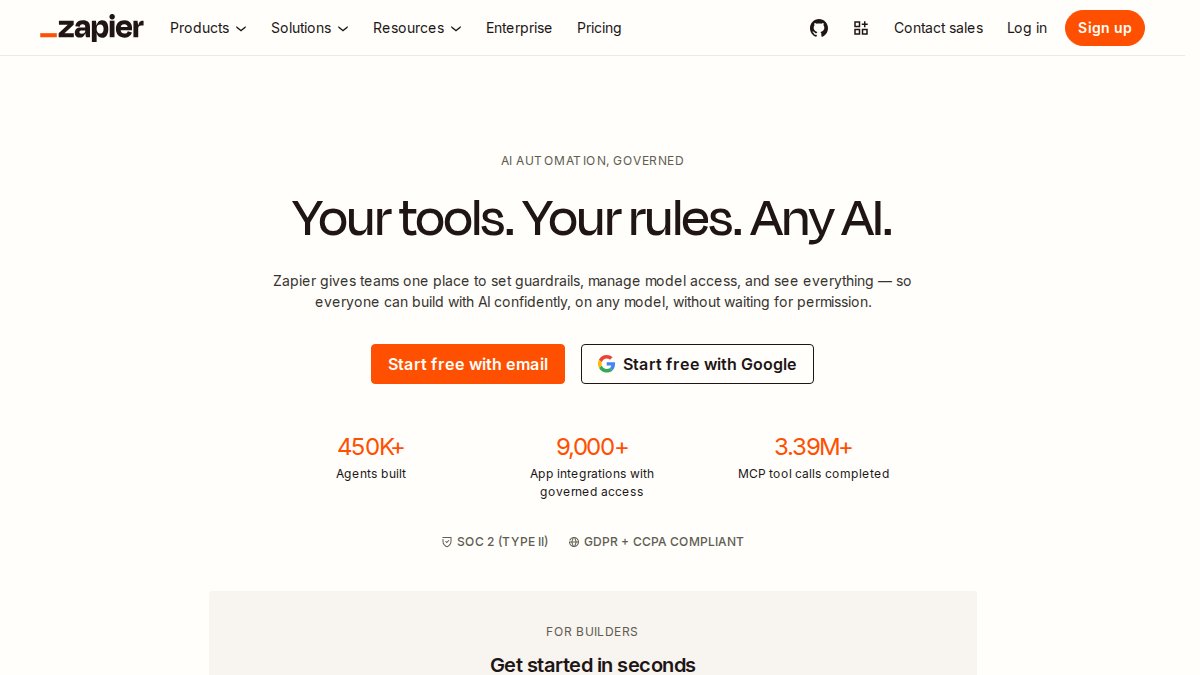
What works: Zapier’s strength is breadth, 6,000+ app integrations mean you can connect almost any two tools. The interface is approachable for non-technical users, and setup usually takes 15-30 minutes.
What doesn’t: Pricing scales aggressively with volume. A workflow running 50 times daily costs $30-$50 monthly. Conditional logic is limited compared to dedicated workflow platforms.
Best for: Small teams with fewer than 10 workflows or teams needing niche app connections.
2. monday.com: Best for Visual Project and Workflow Management
monday.com combines project management with workflow automation. You build customizable boards and attach automation rules. When a task moves to a certain status, you can trigger notifications, update other tasks, or send data to external apps.
Pricing starts at $9/seat/month (billed annually) with a minimum of three seats ($27/month). The free plan supports two users.
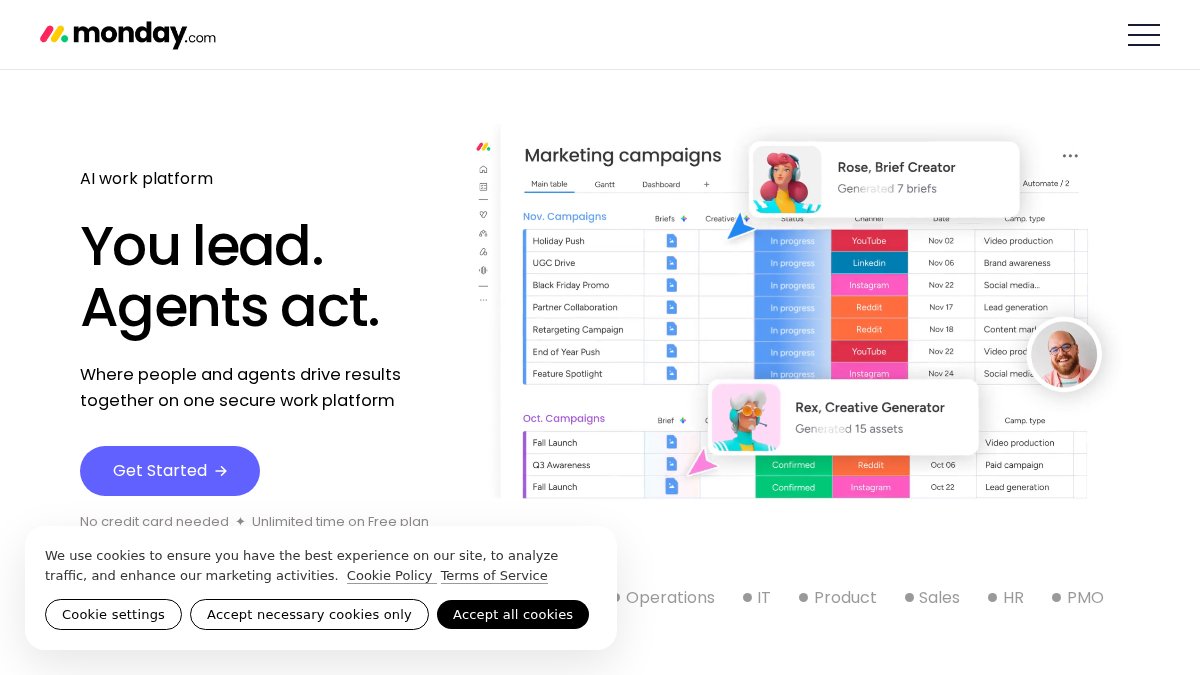
What works: The visual interface is intuitive for non-technical users. Automation rules are flexible, triggering on status changes, date fields, or custom conditions. Built-in integrations with Slack, Outlook, and Google Workspace are seamless.
What doesn’t: Automation limits on lower tiers restrict rule creation. Per-seat pricing adds up quickly. Advanced features like custom code require premium tiers.
Best for: Teams living in project management tools wanting automation without switching platforms.
3. Asana: Best for Task-Heavy Teams with Automation Needs
Asana is a task and project management platform with a strong automation engine. The free plan supports two users with unlimited tasks and storage (100 MB per file). Paid plans start at $10.99/user/month (billed annually) with unlimited automations on all paid tiers.
What works: The automation builder is powerful and accessible. Asana offers timeline and Gantt views for project scheduling. The free plan is genuinely usable for small teams.
What doesn’t: The free plan caps at two users. The interface is feature-dense, which can overwhelm new users.
Best for: Small teams managing ongoing projects with deadlines and needing strong task tracking.
4. ClickUp: Best for All-in-One Automation and Flexibility
ClickUp bundles task management, project management, time tracking, and automation into one platform. The free plan offers unlimited tasks, unlimited team members, and multiple view types (Kanban, calendar, list, Gantt). Paid plans start at $7/user/month (billed annually).
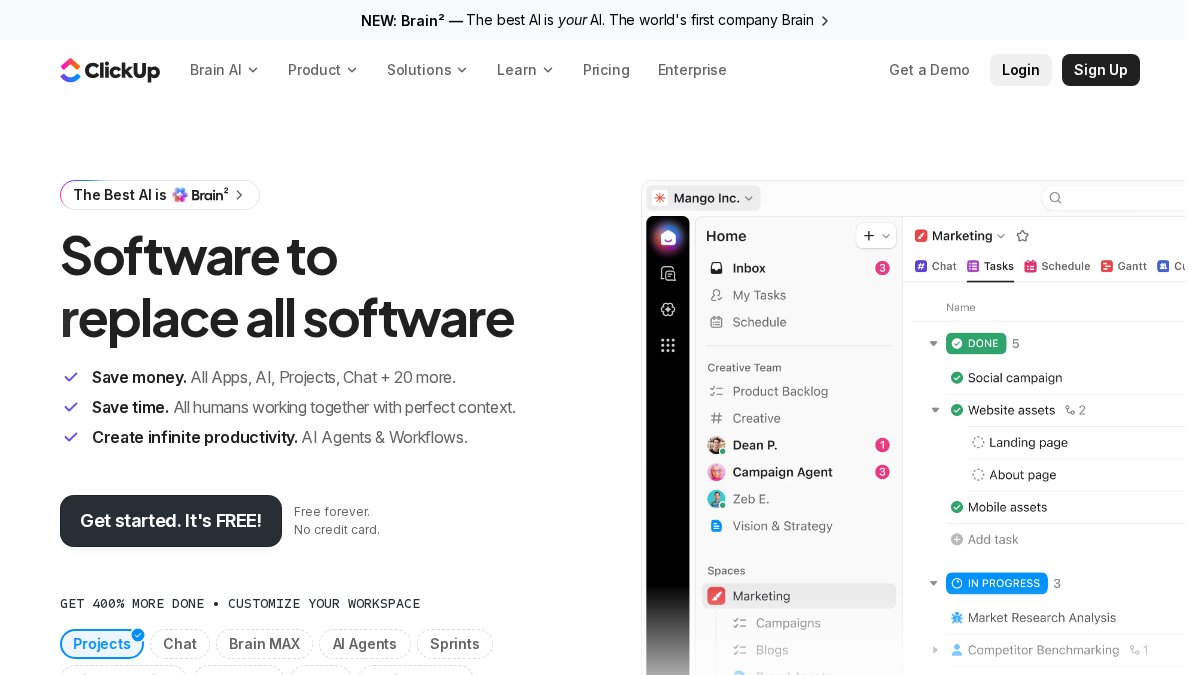
What works: The free tier delivers real value without hard limits. Customization is extensive with custom fields, views, and workflows. Native time tracking is built-in, not an add-on.
What doesn’t: Feature density overwhelms new users. The learning curve is steeper than simpler tools. AI features cost extra.
Best for: Teams wanting one platform for everything and willing to invest time in setup.
5. Microsoft Power Automate: Best for Microsoft Ecosystem Integration
Power Automate is Microsoft’s workflow automation service, deeply integrated with Microsoft 365, Dynamics 365, and Azure. It offers cloud flows (standard automation) and desktop flows (RPA for legacy applications).
Pricing starts at $15/user/month with no free tier, though Microsoft 365 subscriptions include limited capabilities.
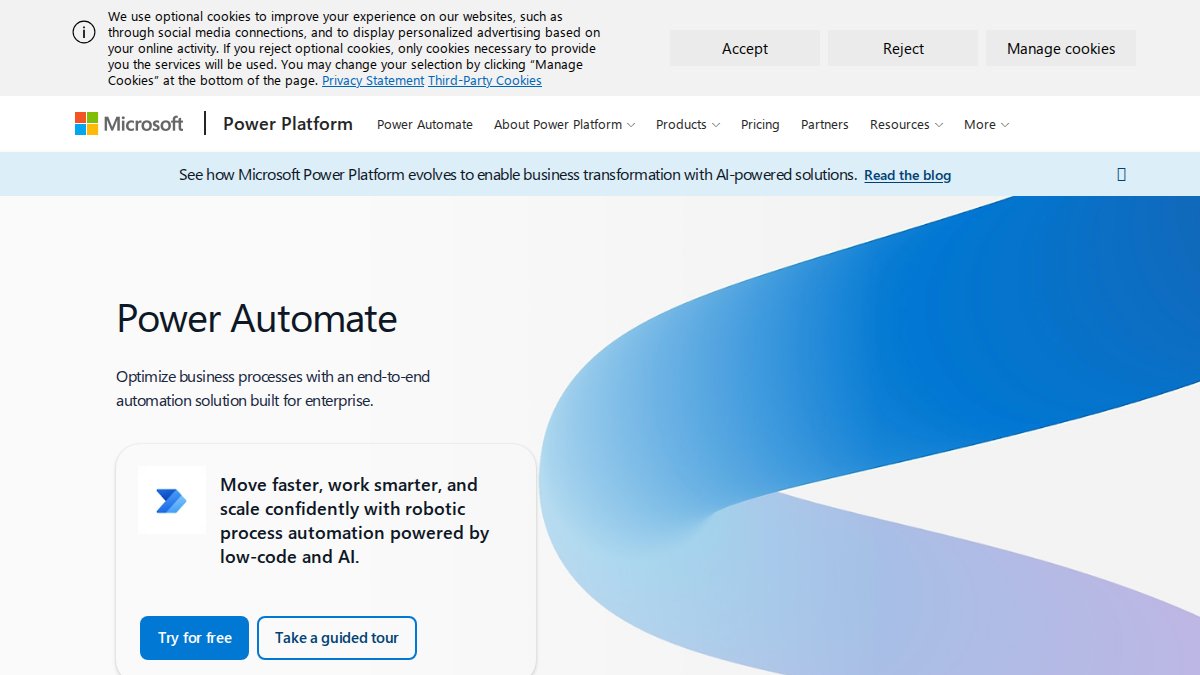
What works: Integration with Microsoft apps is seamless. Building workflows that monitor Outlook inboxes and create SharePoint list items takes minutes. RPA capabilities are powerful for legacy systems.
What doesn’t: Setup can be complex for non-Microsoft users. Advanced features like Process Mining are expensive add-ons.
Best for: Enterprises and teams already running Microsoft 365.
6. Zoho Creator: Best Low-Code Platform for Custom Automation
Zoho Creator is a low-code platform letting non-technical users build custom business apps and automate workflows. You drag and drop form fields, set up workflow rules, and connect to other Zoho apps or third-party tools.
Pricing starts at $8/user/month (billed annually) with a free individual plan. The free plan has limitations but is enough to test fit.
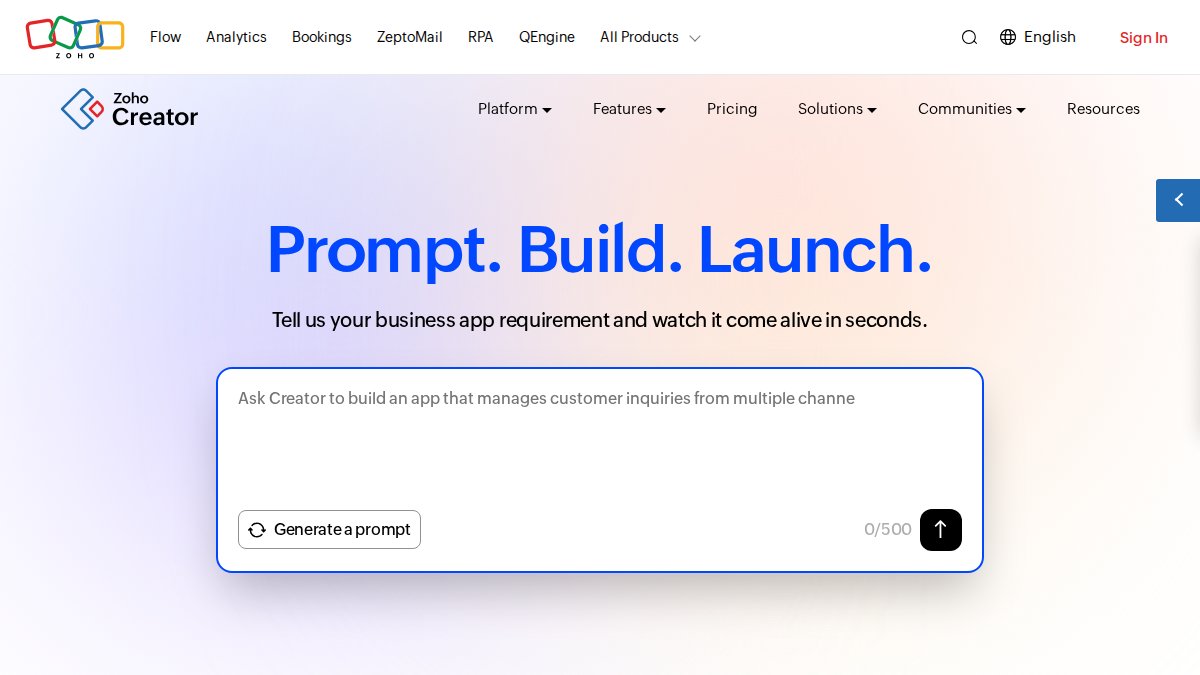
What works: Zoho Creator bridges no-code simplicity and custom development. You can build apps normally requiring a developer. Integration with the broader Zoho ecosystem is seamless.
What doesn’t: The free plan is limited for team use. User-based pricing gets expensive as teams grow. The interface is less polished than competitors.
Best for: Small businesses needing custom applications without developer budget, especially those using other Zoho products.
7. Smartsheet: Best for Spreadsheet-Familiar Teams
Smartsheet looks and feels like a spreadsheet but adds project management features like Gantt charts and automation. If your team manages projects in Excel or Google Sheets, Smartsheet is the natural upgrade.
Pricing starts at $9/user/month (billed annually) with a free plan and 30-day trial. The automation builder supports multi-step workflows.
What works: The spreadsheet-like interface requires minimal training. Real-time dashboards and reports are strong. The automation builder is flexible.
What doesn’t: Some advanced features are locked behind higher tiers. The Business plan requires a three-seat minimum.
Best for: Teams transitioning from spreadsheets to structured project management.
8. Pipefy: Best No-Code Workflow Automation for Enterprise Processes
Pipefy is a no-code workflow management platform for enterprise process automation. You build processes using a visual workflow editor, set up approval workflows, and connect to 500+ external tools. The platform includes AI-powered automation and SLA alerts.
The free Starter plan includes basic functionality. Paid plans start at $26/month.
What works: The no-code workflow builder is intuitive. Process mining and AI-powered automation optimize workflows. The platform handles complex approval chains well.
What doesn’t: Advanced pricing isn’t publicly disclosed. The platform is overkill for simple workflows.
Best for: Growing teams with complex, multi-step processes needing transparency and optimization.
Business Process Automation Examples for Small Business
A three-person consulting firm manually sends onboarding emails, creates projects, and adds clients to the CRM when contracts are signed, taking 15 minutes per client. Automated: A workflow triggers when the contract is marked "signed," sending the onboarding email, creating the project, and adding the client to Slack. Time saved: 75 minutes monthly for five new clients.
An e-commerce business receiving 20 daily orders manually checks inventory, updates fulfillment systems, and sends confirmations. A workflow automates this entirely, checking inventory and alerting the team if items are out of stock.
A service business can automate appointment reminders: confirmation emails immediately, reminders 24 hours before, and follow-up surveys after appointments.
How to Implement Business Process Automation for Small Business
Step 1: Identify Bottlenecks and Repetitive Tasks
List your team’s top 10 time-consuming tasks. Estimate frequency per month and duration. Prioritize high-frequency, low-complexity tasks, they save the most time.

Ask your team which tasks they hate doing. Automating dreaded tasks has the highest adoption rate and biggest morale boost.
Step 2: Choose Your Platform Based on Integration Needs
Map the tools your team uses. If heavily invested in Microsoft 365, use Power Automate. For mixed best-of-breed tools, Zapier works best. For all-in-one solutions, ClickUp or monday.com are strong choices.
Test with a free trial. Build one real workflow, not a demo, to reveal whether the platform’s learning curve matches your team’s comfort level.
Step 3: Start Small and Scale Gradually
Pick one high-frequency, low-complexity workflow and test it for two weeks. Then move to the next workflow. This prevents overwhelm and lets you learn gradually.
Step 4: Monitor Performance and Adjust Workflows
After a workflow goes live, monitor it for a month using logs and execution reports. Adjust based on what you learn. If a workflow fails 5% of the time, investigate. Simplify if steps cause delays.
Key Features to Look for in Automation Software
Prioritize these features when evaluating platforms:
Ease of use: Can non-technical team members build workflows?
Integration breadth: Does it connect to your existing apps?
Conditional logic: Can you build "if X, then Y; else Z" workflows?
Error handling: What happens when workflows fail? Are there alerts or retry logic?
Audit trails: Can you see execution logs for troubleshooting and compliance?
Scalability: Will it handle higher volumes as you grow?
Support: Is there documentation, community forums, or support teams?
Pricing transparency: Can you calculate total monthly cost based on usage?
Choosing the right business process automation tools depends on your tech stack, team’s technical comfort, and budget. Start with a free trial, pick one high-impact workflow, and prove the concept before scaling. A business automating just three core workflows can reclaim 10+ hours weekly.
At Web Maniacs, we help businesses identify automation opportunities and implement platforms that stick. Get expert guidance on workflow automation and strengthen your operational efficiency through custom digital solutions designed for sustainable growth.
Frequently Asked Questions
What is business process automation for small businesses?
Business process automation (BPA) uses software to automate repetitive, manual tasks across your business operations. For small businesses, this means automating workflows like customer onboarding, invoice processing, lead nurturing, and data synchronization between tools. BPA reduces manual work, improves operational efficiency, and frees your team to focus on higher-value activities. Most small business automation tools use no-code or low-code platforms, requiring no technical expertise to set up.
What are examples of business process automation for small business?
Common automation examples include: automatically sending welcome emails to new customers, syncing customer data between your CRM and email platform, creating support tickets from incoming emails, scheduling social media posts, processing invoice approvals, tracking inventory levels and triggering purchase orders, and nurturing leads with targeted email sequences. These workflows eliminate manual data entry and ensure consistent, timely customer interactions across your tech stack.
How much does business process automation cost for small business?
Costs vary widely depending on the platform and your needs. Many tools offer free plans for basic automation, while paid plans typically range from $7-$26+ per user per month. Some platforms use task-based pricing (Zapier starts at $19.99/month), while others charge per user (ClickUp at $7/user/month). Enterprise solutions may cost significantly more. Start with a free tier to test functionality, then upgrade based on task volume, team size, and advanced features you need.
How do I choose the right business process automation tool for my small business?
Evaluate tools based on: (1) Integration compatibility, does it connect to your existing apps (Salesforce, Gmail, Slack, etc.)? (2) Ease of use, no-code platforms are best for non-technical teams; (3) Scalability, can it grow with your business? (4) Pricing model, per-user, per-task, or flat-rate? (5) Automation depth, multi-step workflows vs. simple triggers. Start with a free trial, test your most common workflow, and ensure the platform's automation capabilities match your complexity needs.
What are the main benefits of business process automation for small business?
Key benefits include: reduced manual errors through consistent, automated workflows; significant time savings, freeing staff from repetitive tasks; improved operational efficiency and faster process completion; better data accuracy via real-time data synchronization; enhanced customer experience through faster response times and lead nurturing; and cost savings by reducing labor on routine work. Small businesses typically see ROI within 3-6 months by automating high-frequency, low-complexity tasks like customer onboarding or invoice routing.
This article was written using GrandRanker